
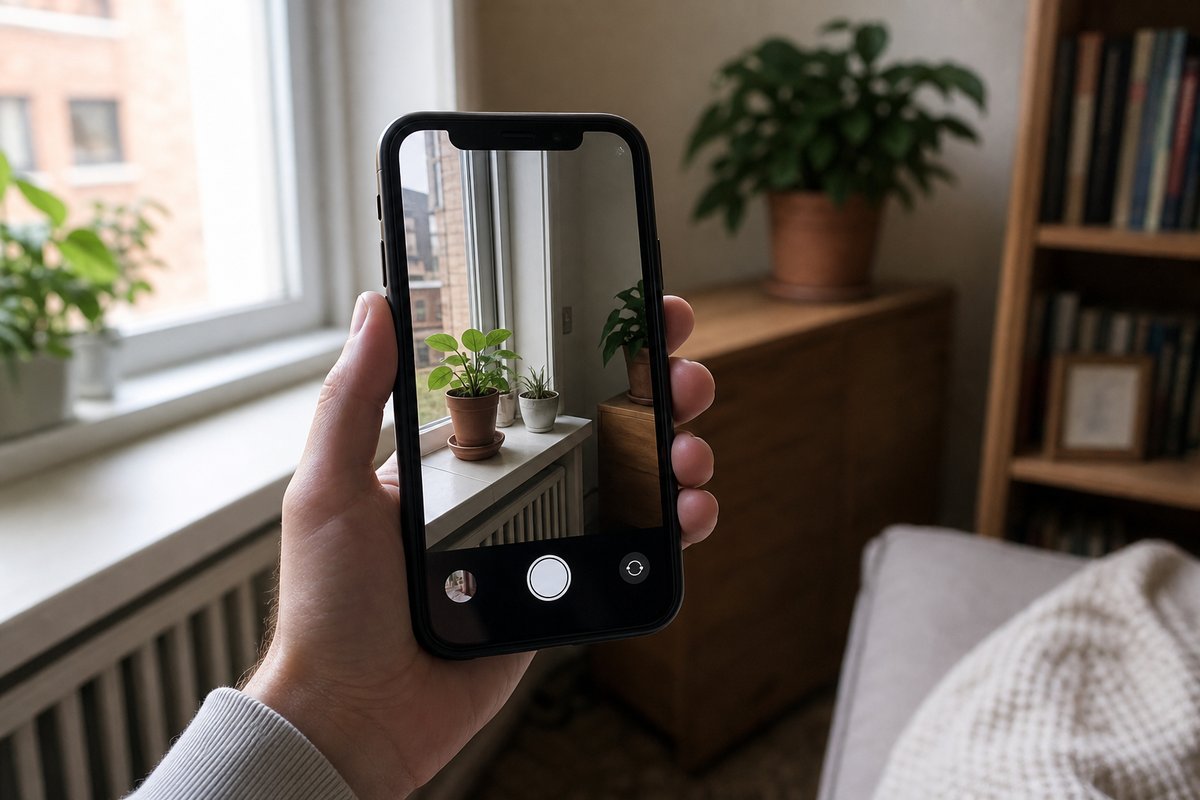
An iPhone is often the camera people have on hand most often, and according to the report, Apple’s built-in Camera app already does a lot right out of the box. Even so, there are several settings and shortcuts that can improve the quality of photos and videos, or make the camera easier to use in everyday situations. The article breaks down 10 ways to push the app a little further, from adjusting recording quality to changing how the camera launches.
One of the main suggestions is to revisit video settings, since iPhones default to 1080p even though they have supported 4K recording for years. Users who want the best possible footage can switch to 4K in Settings under Camera and then Record Video, where they can also choose the frame rate they prefer. The report notes that lower frame rates use less storage, while higher ones take up more space. A similar option exists for slow-motion video, and some users may also want to turn off features like Enhanced Stabilization or HDR Video if they prefer a different look.
The article also points to ProRAW as a way to capture more image data for editing or large prints. According to the report, this feature is available on iPhone 12 Pro models and newer, while iPhone 14 Pro and later devices can use ProRAW Max with even more detail. That extra quality comes with a storage tradeoff, since these files are much larger than standard JPGs. Users can enable the option in Settings under Camera and Formats, then choose ProRAW and resolution controls from there.
Beyond image quality, the report highlights ways to make the camera less prone to accidental launches. Some iPhones can open the Camera app in several different ways, so adjusting those shortcuts can help keep it from popping up when it is not needed. The overall takeaway is simple: a few changes in the settings menu can make an already dependable phone camera more useful for everyday home and lifestyle moments.
Source: lifehacker.com