
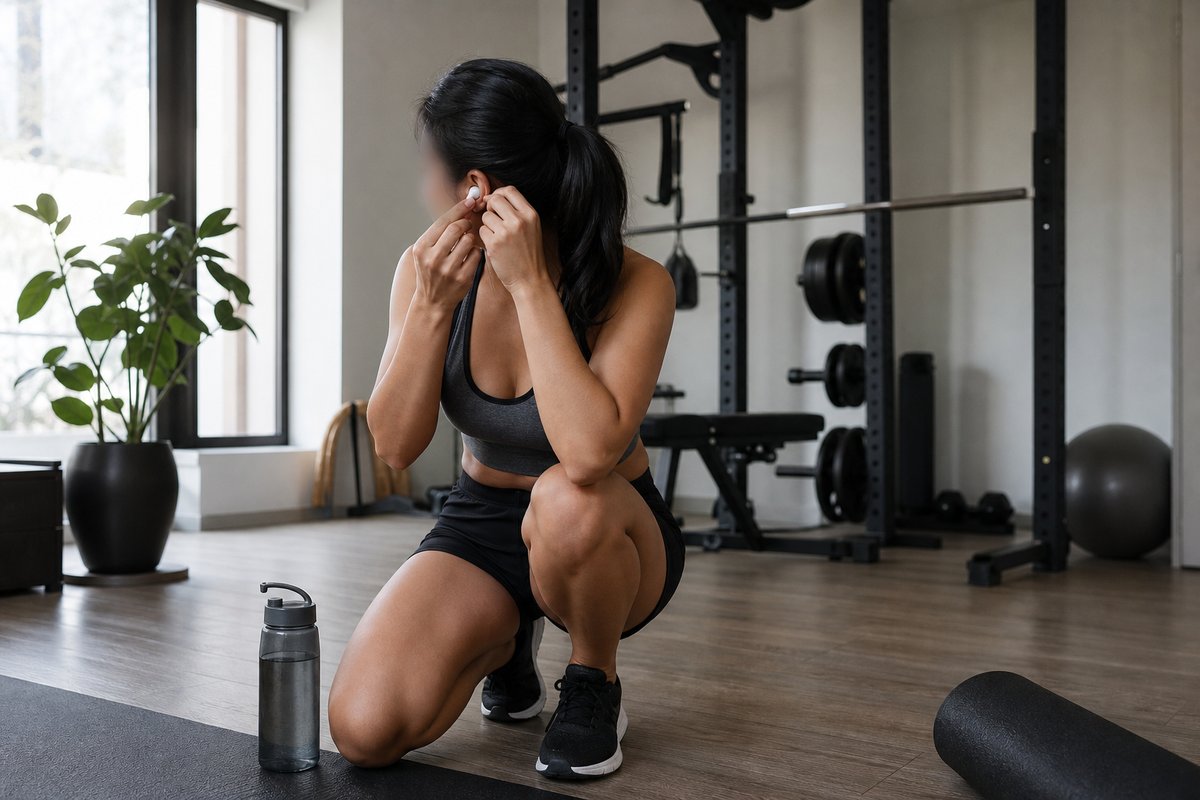
Even after choosing a highly rated pair of workout headphones, the fit and sound can still feel off once exercise starts. According to the report, that usually does not mean the headphones are a bad choice overall—it often means a few small setup changes could make them work much better for training.
One of the biggest fixes is getting the ear tip size right, and then going a step further with memory foam tips if needed. Silicone tips are made to fit a wide range of ears, but they may not seal well for everyone. Memory foam can help create a tighter fit, improve passive noise blocking, and add friction so earbuds are less likely to slip during movement. The report also notes that buying replacement tips from the headphone maker is usually the safest option. For people who need more security, silicone ear hooks can help by clipping to the earbud and wrapping around the outer ear, while some headphones come with that design built in from the start.
Sound settings matter too. The report says many people keep the same equalizer setting they use for podcasts or office listening, even though that may not suit exercise. A modest bass boost and a bit of extra treble can help music cut through gym noise, traffic, and heavy breathing. Many companion apps allow users to save a custom workout profile, which makes it easier to switch to the right sound with one tap. The article also suggests a small speed-up for podcast playback during easy workouts, around 1.25x, since that can subtly encourage a quicker pace without making the audio feel unnatural.
For people who use the same headphones every time they train, there is also an automation angle. According to the report, iPhone users can set up a Shortcut automation so certain actions happen as soon as the headphones connect. The article says this can turn a pair of workout headphones into a small but useful trigger for a more streamlined exercise routine.
Source: lifehacker.com