
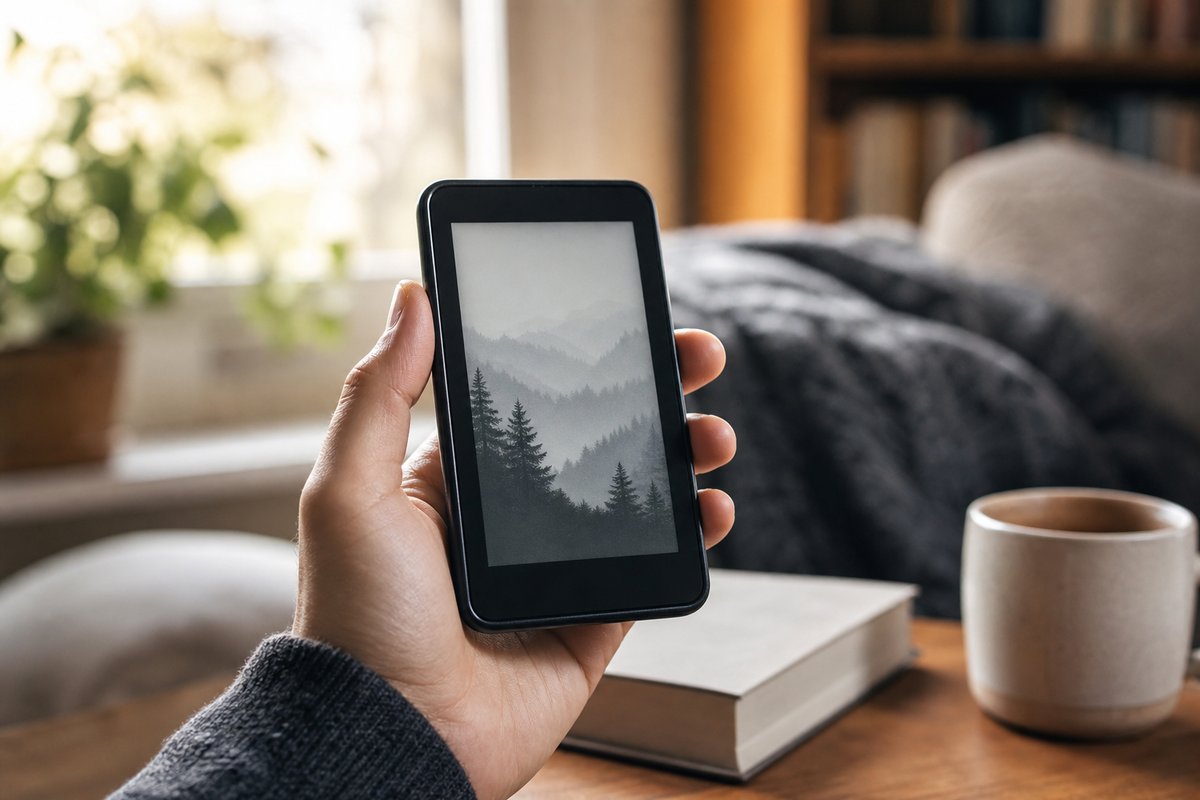
The Boox Palma has built a devoted following because it blends the feel of a pocket-sized phone with the flexibility of an Android device. According to the report, that means it can handle sideloaded ebooks through its native NeoReader app, but it can also run many apps from the Google Play Store. That extra freedom is part of the appeal, though it also makes the device a little more complicated to set up than a standard Kindle.
One of the biggest quality-of-life upgrades is enabling page turns with the physical volume buttons. The Palma still has hardware buttons, which is useful for readers who prefer not to tap the screen constantly. The report notes that this can require a few different settings changes depending on the app. In the Kindle app, for example, users need to open the reading controls, go into display settings, turn off continuous scrolling, and then switch on the option for volume-based page turns.
For other reading apps, the fix may live in the device’s system settings instead. The report says users can long-press an app icon, open its optimization options, and then look under the button customization area to assign the volume keys to page turning. There is also an option for continuous scrolling if that is preferred. These tweaks make the Palma feel more natural for readers who want physical controls without giving up app flexibility.
Another helpful adjustment is disabling the touchscreen when needed to avoid accidental page changes. The report says there is no built-in system or app setting for that, so users have to rely on a third-party tool. One suggested option is Touch Protector, though it is not available on Google Play and requires installing Aptoide first. The article also points out that users should be careful with decentralized app stores and look for the green Trusted label, which indicates the app has been scanned for malware and checked against other versions.
Source: lifehacker.com